
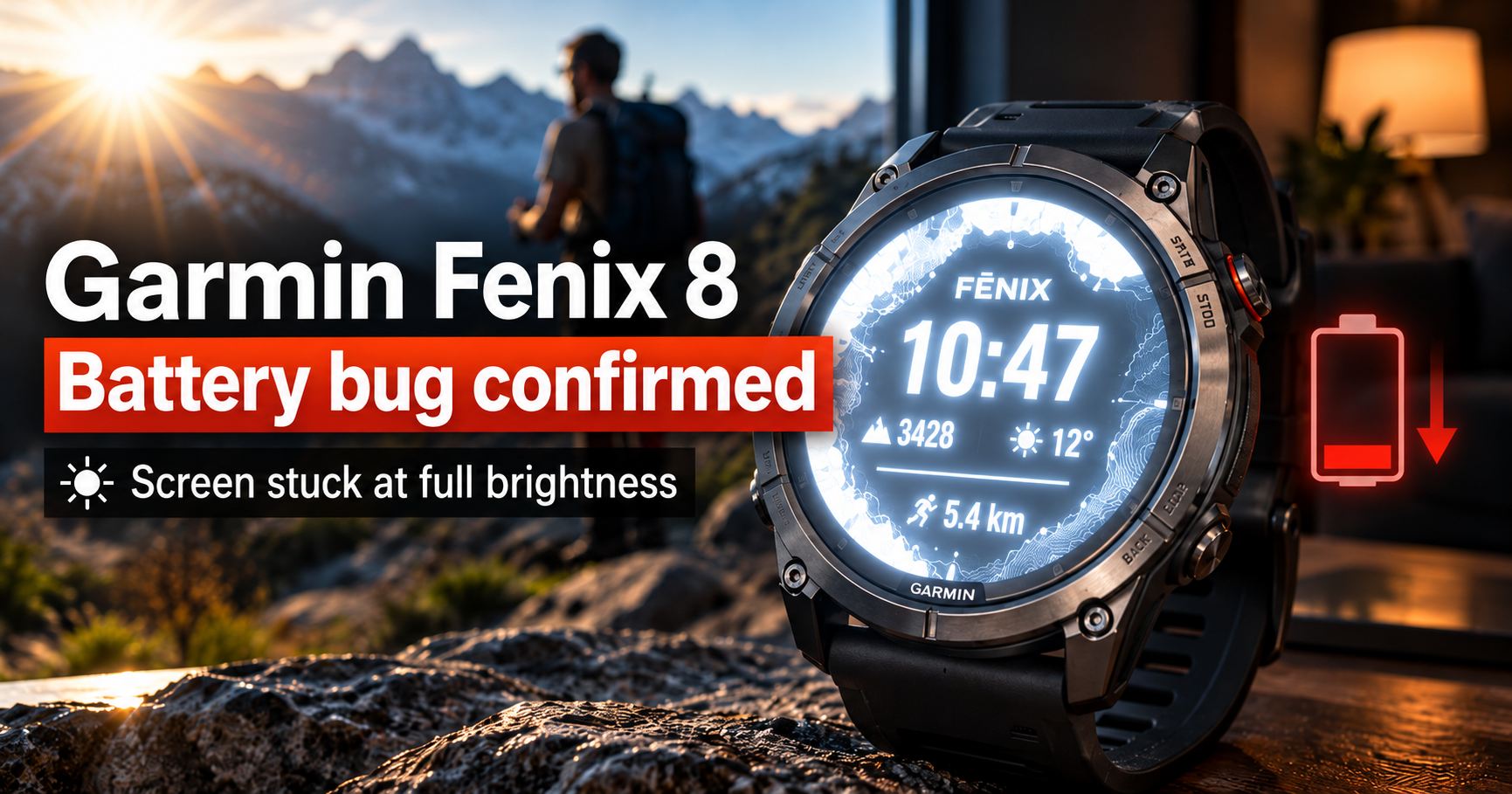
A premium outdoor smartwatch should not lose hours of battery life simply because its owner stepped into the sunlight. Yet that is exactly what some Garmin Fenix 8 users have been experiencing.
Garmin has officially acknowledged a software bug that can leave the watch’s AMOLED display stuck at maximum brightness, even after moving into a dark room.
The result is predictable: significantly higher battery consumption and shorter time between charges.
The company confirmed the issue on October 7, 2026, and says a fix is being prepared. There is one catch. Garmin has not announced when the update will arrive.
Why Is the Garmin Fenix 8 Losing Battery Life?
The reported problem emerged following firmware version 23.31 and appears under a particular combination of display settings.
Users have identified two conditions:
- Always-On Display (AOD) is enabled.
- Gesture-based screen activation is disabled.
Under normal circumstances, the Fenix 8 adjusts its AMOLED screen brightness to match ambient lighting. Step outside into bright sunshine, and the display becomes easier to read. Return indoors, and the brightness should decrease automatically.
For affected owners, that final adjustment sometimes never happens.
The screen continues operating at high brightness, consuming unnecessary power until something triggers another display interaction.
On Garmin’s official community forum, one user claims their watch now lasts just three days on a charge. That is an individual report rather than evidence of how every Fenix 8 performs.
Still, the underlying issue matters. Battery endurance is a major selling point for Garmin’s premium outdoor watches, particularly among hikers, runners and endurance athletes who depend on reliable performance away from a charger.
How to Check Whether Your Fenix 8 Is Affected
Fortunately, identifying the problem does not require complicated troubleshooting.
If your watch uses Always-On Display with gesture activation disabled, take it into bright daylight and then move somewhere noticeably darker.
Watch the screen carefully.
If its brightness remains unusually high instead of decreasing, you may be experiencing the reported software bug.
Garmin has identified a simple temporary solution: tap the touchscreen or press one of the physical buttons.
That interaction should restore normal brightness behavior until the issue occurs again.
Owners can also experiment with disabling Always-On Display or enabling gesture activation to avoid the configuration associated with the reports. These are possible workarounds, not an officially confirmed permanent fix.
And remember, not every battery issue points to the same cause. GPS usage, display settings, notifications and workout tracking can all influence smartwatch endurance.
Garmin Promises a Fix, but There Is No Release Date
In an official Garmin forum response dated October 7, a company representative confirmed that engineers were aware of the brightness issue and that a correction was pending.
The fix is expected in the next software update. However, Garmin has not provided a specific rollout schedule.
For owners who regularly use their Fenix 8 outdoors, that uncertainty is frustrating. A watch designed for long days on the trail should not need manual intervention simply to stop its display wasting power.
Does this mean every Garmin Fenix 8 has a serious battery problem? No. The available reports concern a specific software behavior, and there is no evidence that every model or configuration is affected.
For now, the practical advice is straightforward: check your screen after exposure to bright sunlight, use the temporary touchscreen or button workaround, and watch for Garmin’s next firmware release.
The hardware may be capable of excellent endurance. The software, in this particular case, still needs attention.